

Quick answer
Clean your home office weekly by dusting surfaces, sanitizing high-touch areas like keyboards and mice, vacuuming floors, and organizing cables. Deep clean monthly to maintain air quality and productivity.

Key Takeaways
- 1Keyboards harbour 20,000 times more bacteria than toilet seats according to CDC studies, requiring weekly disinfection with 70% isopropyl alcohol wipes.
- 2Proper desk organization increases productivity by 15-20% by reducing visual clutter and decision fatigue throughout your workday.
- 3HEPA air purifiers remove 99.97% of airborne particles, improving focus and reducing allergens in enclosed home office spaces.
- 4Weekly vacuuming prevents dust buildup that can damage electronics and trigger respiratory issues in Vancouver's humid climate.
Why Home Office Cleaning Matters for Remote Workers
A clean workspace directly impacts productivity, health, and professional image during video calls.
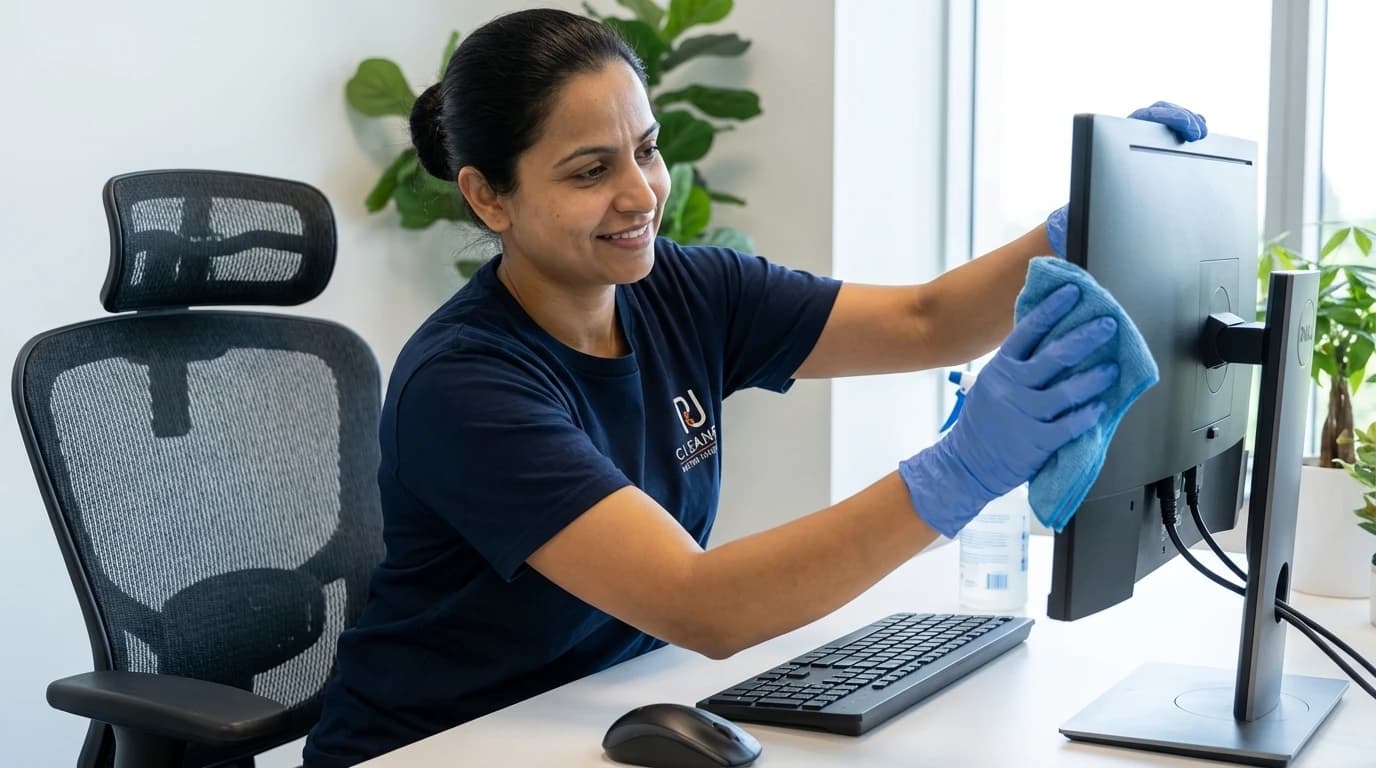
Remote work has transformed how Vancouverites approach their professional lives, with Statistics Canada reporting that 39% of Canadian employees now work from home at least part-time. Your home office accumulates dust, bacteria, and clutter faster than you realize, creating an environment that silently undermines your focus and health. Research from the International Sanitary Supply Association shows that cluttered workspaces increase cortisol levels by 8%, directly impacting decision-making and creativity. A systematic cleaning routine transforms your workspace into a productivity hub rather than a source of stress.
The health implications extend beyond mental clarity. WorkSafeBC guidelines emphasize that home offices require the same ergonomic and sanitary standards as traditional workplaces. Dust mites, mould spores, and volatile organic compounds from office equipment concentrate in poorly ventilated spaces, triggering allergies and respiratory issues. Vancouver's coastal humidity exacerbates these problems, making regular cleaning essential for maintaining air quality. Professional appearance during video conferences also depends on a tidy background, as 67% of remote workers report being judged by their visible workspace according to recent workplace surveys.
- Reduced sick days: Clean offices decrease airborne pathogens by 80% compared to neglected spaces
- Enhanced focus: Organized desks reduce visual distractions that fragment attention spans
- Equipment longevity: Regular dusting prevents overheating in computers and monitors
- Professional credibility: Clean backgrounds during video calls project competence and attention to detail
Pro Tip
Schedule cleaning sessions during your lowest-energy work hours, typically mid-afternoon, to maintain momentum without sacrificing productive morning hours.
Essential Cleaning Supplies for Your Home Office
Stock eco-friendly, electronics-safe products that protect your equipment while delivering professional results.
Building an effective cleaning kit starts with understanding which products safely clean electronics without causing damage. Microfiber cloths are non-negotiable, as they trap dust particles rather than redistributing them across surfaces. The BC Health Authority recommends 70% isopropyl alcohol for sanitizing keyboards and mice, as it evaporates quickly without leaving residue that attracts more dirt. Avoid ammonia-based cleaners near screens, as they degrade anti-glare coatings and create permanent streaks. Compressed air canisters dislodge debris from keyboard crevices and computer vents, preventing overheating that shortens equipment lifespan.
Eco-friendly options align with Vancouver's sustainability values while protecting your health. Plant-based all-purpose cleaners with pH-neutral formulas clean desks and shelves without releasing harsh fumes in enclosed spaces. HEPA-filter vacuums capture 99.97% of particles down to 0.3 microns, essential for managing dust in carpeted home offices. Cable management tools like velcro ties and clips prevent tangled cords that collect dust and create visual chaos. A small toolkit with screwdrivers allows you to open keyboard cases and monitor stands for thorough quarterly deep cleans.
- Microfiber cloths: Three colours to prevent cross-contamination between surfaces
- Isopropyl alcohol (70%): Electronics-safe disinfectant that evaporates without residue
- Compressed air: Removes debris from keyboards, vents, and hard-to-reach crevices
- HEPA vacuum: Captures allergens and fine dust particles that standard vacuums recirculate
- Cable organizers: Velcro ties and clips that simplify dusting and prevent tangled messes
Pro Tip
Label three microfiber cloths for screens, surfaces, and floors to prevent transferring oils and bacteria between different cleaning zones.
Related resources
Weekly Home Office Cleaning Routine
A 30-minute weekly routine prevents buildup and maintains a consistently productive workspace.
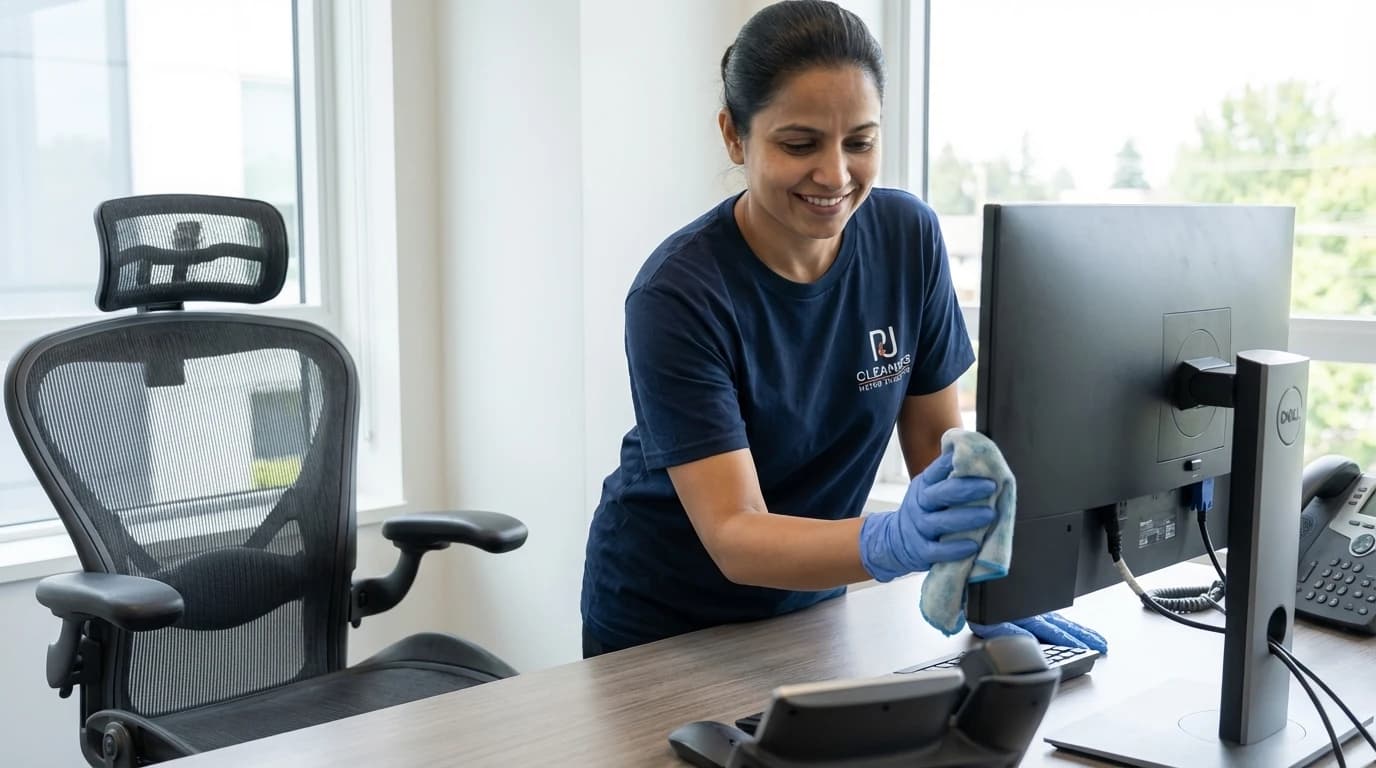
Start by clearing your desk completely, removing papers, devices, and decorative items to access all surfaces. Dust from top to bottom using a dry microfiber cloth, beginning with shelves and monitor tops where particles settle first. This prevents redistributing dust onto already-cleaned lower surfaces. Wipe your desk surface with a damp cloth and pH-neutral cleaner, paying attention to corners where crumbs and debris accumulate. The City of Vancouver's waste management guidelines recommend disposing of paper waste weekly to prevent fire hazards and pest attraction in home offices.
Sanitize high-touch surfaces next, focusing on keyboards, mice, phone handsets, and door handles. Spray 70% isopropyl alcohol onto a microfiber cloth rather than directly onto electronics to prevent liquid damage. Wipe in one direction to avoid spreading bacteria back across cleaned areas. Clean your monitor with a screen-specific solution or distilled water on a soft cloth, using gentle circular motions to remove fingerprints and smudges. Vacuum or sweep floors thoroughly, moving your chair to access hidden areas where dust bunnies form. Empty your waste bin and replace the liner to prevent odours from developing between cleaning sessions.
- Clear and declutter: Remove all items from desk to access every surface
- Dust high to low: Start with shelves and work downward to avoid re-contamination
- Sanitize electronics: Use alcohol wipes on keyboards, mice, and frequently touched devices
- Clean screens carefully: Distilled water on microfiber prevents streaks and coating damage
- Vacuum thoroughly: Move furniture to capture dust in corners and under desks
- Empty waste bins: Prevent odours and pest attraction with weekly disposal
Monthly Deep Cleaning Tasks
Quarterly deep cleans address hidden dirt and maintain equipment performance over time.
Monthly deep cleaning targets areas that weekly routines miss, starting with keyboard disassembly. Power down your computer completely and photograph your keyboard layout before removing keycaps with a keycap puller or flat tool. Soak keycaps in warm soapy water for 15 minutes while using compressed air to blast debris from the keyboard base. Cotton swabs dipped in isopropyl alcohol clean between switches where grime accumulates. This process removes the bacteria and food particles that create the unpleasant odours many remote workers ignore until they become overwhelming.
Tackle cable management by unplugging all cords and wiping them with a damp cloth to remove dust buildup. Use velcro ties or cable clips to bundle cords together, preventing the tangled mess that makes future cleaning difficult. Clean air vents on computers and monitors with compressed air, holding cans upright to prevent propellant from damaging components. Wipe down walls behind your desk where dust settles unnoticed, and clean light fixtures that dim over time due to accumulated grime. Wash or vacuum curtains and blinds, as fabric window treatments trap allergens that recirculate through your workspace. Replace HEPA filters in air purifiers according to manufacturer schedules to maintain optimal air quality.
- Disassemble keyboards: Remove and soak keycaps while cleaning the base with compressed air
- Organize cables: Bundle cords with velcro ties after wiping away accumulated dust
- Clean air vents: Use compressed air on computer and monitor vents to prevent overheating
- Wash window treatments: Curtains and blinds trap allergens that affect air quality
- Replace filters: Change HEPA filters in air purifiers every 3-6 months for optimal performance
Pro Tip
Schedule deep cleaning sessions on the last Friday of each month, creating a consistent routine that prevents tasks from being forgotten or postponed.
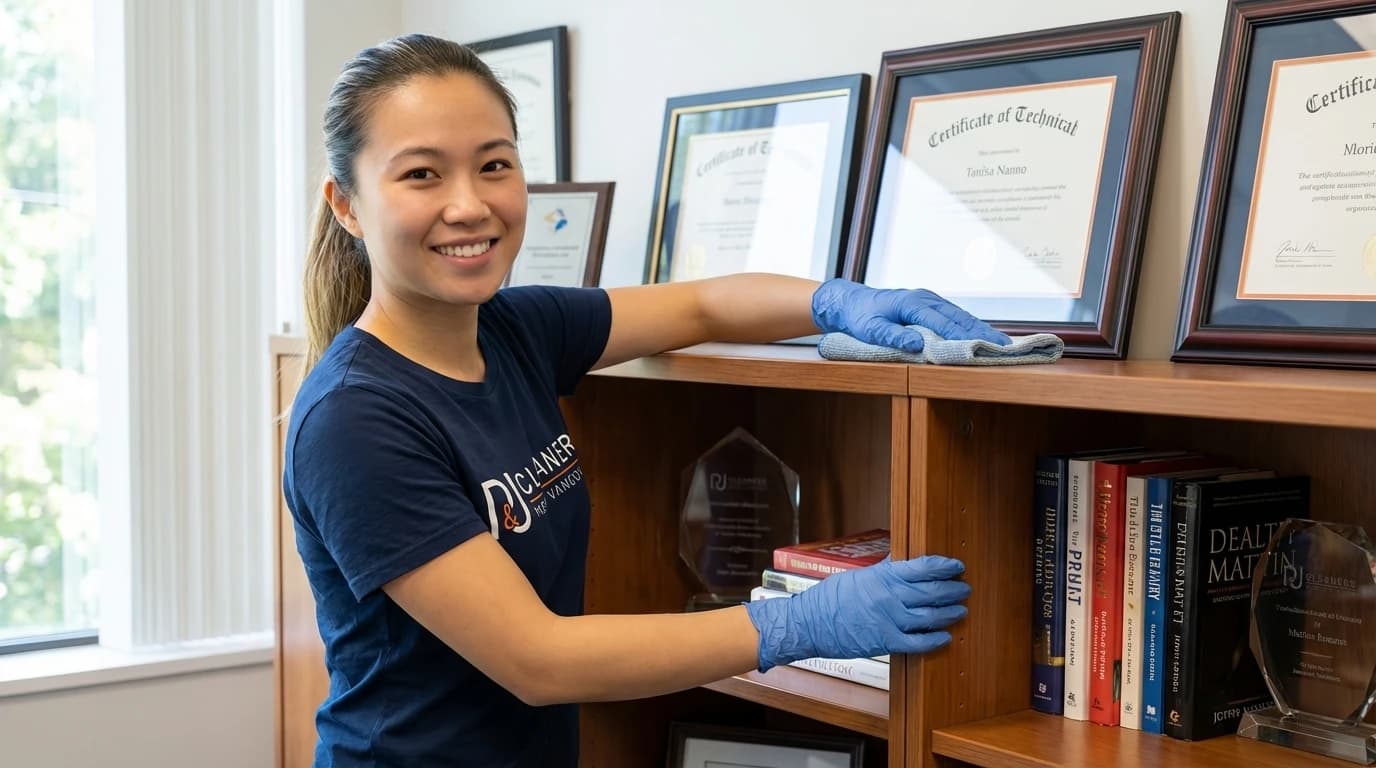
Organizing Your Office for Easier Maintenance
Strategic organization reduces cleaning time and prevents clutter from accumulating between sessions.
Implement a paperless system wherever possible, scanning documents and storing them digitally to eliminate paper clutter that attracts dust and creates visual chaos. Use drawer organizers and desktop trays to assign specific homes for supplies, making it easier to return items after use rather than leaving them scattered across your workspace. The fewer items on your desk surface, the faster you can wipe it down during weekly cleaning sessions. Vertical storage solutions like wall-mounted shelves and pegboards maximize space while keeping frequently used items accessible without creating desktop clutter.
Create designated zones for different activities within your office. Separate your computer work area from your writing or creative space to prevent cross-contamination of supplies and simplify cleaning routines. Use desk mats or mouse pads to protect surfaces and contain crumbs or spills in easily cleanable areas. Label storage containers and drawers so family members or cleaning professionals understand your organizational system. This prevents well-meaning helpers from disrupting your workflow by misplacing important items. Regular decluttering sessions every two weeks prevent accumulation of unnecessary items that complicate cleaning and reduce available workspace.
- Go paperless: Scan documents to reduce dust-attracting paper clutter
- Use drawer organizers: Assign specific homes for supplies to prevent scattered items
- Install vertical storage: Wall shelves keep items accessible without cluttering desk surfaces
- Create activity zones: Separate work areas simplify cleaning and prevent supply mixing
- Label everything: Clear labels help others respect your organizational system
- Declutter biweekly: Regular purges prevent accumulation of unnecessary items
Related resources
Improving Air Quality and Ventilation
Clean air enhances focus, reduces illness, and protects sensitive electronics from dust damage.
Vancouver's coastal climate creates humidity levels that promote mould growth and dust mite populations in enclosed spaces. Open windows for 10-15 minutes daily, even in winter, to exchange stale indoor air with fresh outdoor air. This simple habit reduces carbon dioxide buildup that causes afternoon drowsiness and headaches during long work sessions. Position your desk near windows when possible to benefit from natural ventilation and daylight, which studies show improves mood and productivity by 15% compared to artificial lighting alone.
HEPA air purifiers provide continuous filtration when windows must remain closed due to weather or noise concerns. Choose units rated for your office square footage, running them continuously on low settings rather than intermittently on high. This maintains consistent air quality without creating distracting noise during video calls. Add low-maintenance plants like snake plants or pothos that naturally filter toxins from air while requiring minimal care. Clean or replace HVAC filters every three months if your home office connects to central heating and cooling systems. Dirty filters reduce airflow efficiency and recirculate dust throughout your workspace, undermining other cleaning efforts.
- Open windows daily: 10-15 minutes of fresh air reduces CO2 and refreshes stale indoor air
- Use HEPA purifiers: Continuous low-speed operation maintains consistent air quality
- Add air-filtering plants: Snake plants and pothos remove toxins with minimal maintenance
- Replace HVAC filters: Quarterly changes prevent dust recirculation through ventilation systems
Pro Tip
Run air purifiers on high for 30 minutes before starting work to quickly clear overnight dust accumulation, then reduce to low speed for quiet operation.
When to Hire Professional Cleaning Services
Professional cleaners provide deep cleaning expertise and save time for busy remote workers.
Consider professional services when your cleaning routine falls behind due to work demands or when you need specialized equipment for deep cleaning tasks. P&J Cleaners offers home office cleaning packages that include electronics sanitization, carpet deep cleaning, and air quality assessment services beyond typical residential cleaning. Professional teams complete in three hours what takes most homeowners an entire weekend, using commercial-grade equipment and eco-friendly products upon request that deliver superior results. This proves especially valuable before important client meetings or when preparing your home office for video production or photography.
Quarterly professional deep cleans complement your weekly maintenance routine, addressing baseboards, window tracks, and ceiling corners where dust accumulates unnoticed. Professionals identify potential issues like mould growth behind furniture or pest entry points that homeowners often miss until problems escalate. The satisfaction guarantee from P&J Cleaners ensures you receive thorough service without risk, while same-day booking accommodates urgent cleaning needs before unexpected video calls or client visits. Fully bonded and insured teams protect your valuable electronics and furniture, providing peace of mind that DIY cleaning cannot match.
- Time savings: Professionals complete deep cleans in 3 hours versus full weekend DIY efforts
- Specialized equipment: Commercial-grade tools deliver superior results on carpets and upholstery
- Expert assessment: Trained eyes identify mould, pests, and maintenance issues early
- Flexible scheduling: Same-day booking accommodates urgent pre-meeting cleaning needs
- Risk-free service: satisfaction guarantees and full insurance protect your property
Pro Tip
Schedule professional cleanings for the week before quarterly tax deadlines when your office sees heaviest use and requires thorough refreshing.
Related resources
Step-by-Step
7-Step Home Office Deep Cleaning Method
Follow this systematic approach weekly to maintain a consistently clean and productive workspace. Each step builds on the previous one to maximize efficiency and prevent re-contamination of cleaned areas.
Clear and Declutter Your Workspace
Remove all items from your desk including papers, devices, decorative objects, and supplies. This exposes the entire surface for thorough cleaning and prevents accidentally damaging electronics with cleaning solutions. Sort items as you remove them, immediately discarding trash and filing papers you no longer need. Place items you're keeping in designated zones or storage containers rather than piling them randomly. This step takes 5-10 minutes but dramatically improves cleaning efficiency and helps you identify organizational problems that create ongoing clutter issues.
- Remove all items from desk surface and nearby shelves
- Sort items into keep, file, and discard categories
- Wipe down items before returning them to clean surfaces
- Identify organizational gaps that allow clutter to accumulate
Dust from Top to Bottom
Start dusting at the highest points in your office, including tops of bookcases, picture frames, and light fixtures where dust settles first. Work systematically downward to prevent redistributing dust onto already-cleaned surfaces. Use a dry microfiber cloth for initial dusting, as damp cloths can smear dust rather than capturing it. Pay special attention to monitor tops, router surfaces, and the backs of picture frames where thick dust layers accumulate unnoticed. This gravity-assisted approach ensures you don't waste effort re-cleaning areas contaminated by falling dust from higher surfaces.
- Dust ceiling corners, light fixtures, and tops of tall furniture first
- Clean picture frames, wall decorations, and shelving units
- Wipe monitor tops, router surfaces, and electronics casings
- Finish with baseboards and floor-level surfaces last
Sanitize High-Touch Surfaces
Focus on frequently touched items that harbour the most bacteria, including keyboards, mice, phone handsets, door handles, and light switches. Spray 70% isopropyl alcohol onto a microfiber cloth rather than directly onto electronics to prevent liquid damage from seeping into sensitive components. Wipe each surface thoroughly, allowing alcohol to air dry completely for maximum disinfection effectiveness. The CDC confirms that this concentration kills 99.9% of common bacteria and viruses within 30 seconds of contact. Replace your cloth when it becomes visibly soiled to avoid spreading bacteria between surfaces.
- Spray isopropyl alcohol onto microfiber cloth, not directly on devices
- Wipe keyboards, mice, and phone handsets thoroughly
- Sanitize door handles, light switches, and drawer pulls
- Allow surfaces to air dry completely for maximum disinfection
Clean Screens and Monitors
Power down monitors completely before cleaning to see smudges and fingerprints more clearly against dark screens. Use distilled water or screen-specific cleaning solution on a microfiber cloth, never paper towels that can scratch anti-glare coatings. Wipe in gentle circular motions from the centre outward, avoiding excessive pressure that can damage LCD pixels. Never spray liquid directly onto screens, as moisture can seep into bezels and damage internal components. This careful approach maintains screen clarity and extends monitor lifespan by preventing coating degradation that creates permanent cloudy areas.
- Power down monitors to see smudges clearly
- Apply distilled water or screen cleaner to microfiber cloth only
- Wipe in gentle circular motions from centre outward
- Avoid excessive pressure that damages LCD pixels
Vacuum and Clean Floors
Move your office chair and any portable furniture to access hidden floor areas where dust accumulates heavily. Vacuum carpeted offices thoroughly using overlapping passes to ensure complete coverage, paying extra attention to corners and along baseboards where debris collects. For hard floors, vacuum first to remove loose debris, then mop with a damp microfiber mop and pH-neutral cleaner. The ISSA recommends vacuuming office spaces twice weekly to prevent dust from becoming airborne and settling on clean surfaces. Replace vacuum bags or empty canisters when half full to maintain optimal suction power.
- Move office chair and portable furniture to access hidden areas
- Vacuum carpets with overlapping passes for complete coverage
- Focus on corners and baseboards where debris accumulates
- Mop hard floors after vacuuming to remove remaining dust
Organize Cables and Cords
Unplug all cables and wipe them individually with a damp microfiber cloth to remove accumulated dust and grime. Inspect cords for damage like fraying or exposed wires that create fire hazards, replacing any compromised cables immediately. Bundle related cables together using velcro ties or cable clips, creating organized groups that simplify future cleaning and troubleshooting. Route cables along desk edges or through cable management channels to prevent tangled messes that collect dust and create visual clutter. Proper cable organization reduces cleaning time by 40% during future sessions while improving your office's professional appearance during video calls.
- Unplug and wipe each cable individually with damp cloth
- Inspect for damage and replace frayed or exposed wires
- Bundle related cables with velcro ties or clips
- Route cables along edges using management channels
Final Touches and Maintenance
Empty waste bins and replace liners to prevent odours from developing before your next cleaning session. Wipe down your desk one final time to remove any dust that settled during the cleaning process. Return organized items to their designated spots, maintaining the clear workspace you've created. Open windows for 10 minutes to air out any cleaning product odours and refresh indoor air quality. Set a calendar reminder for your next cleaning session to maintain consistency. This final step ensures your office remains inviting and productive rather than gradually declining between cleaning sessions.
- Empty waste bins and replace liners
- Final desk wipe-down to catch settling dust
- Return organized items to designated storage spots
- Air out office for 10 minutes to refresh air quality
- Schedule next cleaning session on calendar
Services mentioned in this article
Ready for help?
4.9 · 850+ Google reviewsProfessional Home Office Cleaning in Vancouver
Let P&J Cleaners handle your workspace maintenance while you focus on what matters. Our eco-friendly cleaning services cover all 39 Metro Vancouver locations with same-day booking and a satisfaction guarantee.
778-720-2224Home Office Cleaning Questions Answered
How often should you clean your home office?
Clean high-touch surfaces like keyboards, mice, and desk areas daily with disinfectant wipes. Perform a deep clean weekly, including dusting shelves, vacuuming floors, and sanitizing all equipment. Monthly tasks should include window cleaning, baseboard wiping, and cable management. According to WorkSafeBC guidelines, offices with multiple users require daily sanitization of shared surfaces to prevent illness transmission and maintain a healthy work environment.
How to clean a desk properly?
Remove all items from the desk surface and wipe with a microfibre cloth dampened with all-purpose cleaner or a 70% isopropyl alcohol solution. Clean from top to bottom, paying attention to corners and edges where dust accumulates. Sanitize high-touch areas like drawer handles and desk edges. Allow surfaces to air dry for 30 seconds before replacing items. The CDC recommends cleaning desks daily in shared spaces and at least twice weekly for personal workspaces to reduce pathogen transmission by up to 80%.
How to clean a keyboard?
Unplug the keyboard or turn off wireless models before cleaning. Turn it upside down and gently shake to dislodge debris. Use compressed air to blow out particles between keys, holding the can upright 15 cm away. Wipe keys with a cloth dampened with 70% isopropyl alcohol, avoiding excess liquid. For mechanical keyboards, remove keycaps quarterly for deep cleaning. Studies show keyboards harbour 20,000 times more bacteria than toilet seats, making regular cleaning essential for health and device longevity.
How to organize a home office?
Start by decluttering and removing items that don't serve your work needs. Create zones for different activities: computer work, paperwork, and storage. Use vertical space with shelves and wall organizers to maximize floor area. Implement a cable management system using clips, sleeves, or under-desk trays. Keep frequently used items within arm's reach and archive seasonal materials. According to productivity research, organized workspaces reduce task completion time by 30% and decrease stress levels, directly impacting work quality and mental well-being.

Meet the Author
Pamela
Co-Founder
Pamela leads residential quality standards at P&J Cleaners, refining safe, detail-driven cleaning systems for Vancouver homes, condos, and move-out projects.
Keep Exploring