

Quick answer
A home office cleaning checklist includes decluttering surfaces, dusting electronics, sanitizing keyboards and mice, wiping monitors, vacuuming floors, organizing cables, disinfecting high-touch areas, emptying trash, and refreshing air quality weekly.

Key Takeaways
- 1Clean workspaces boost productivity by 15% according to research from Princeton University's Neuroscience Institute on visual distractions and focus.
- 2Keyboards harbour 20,000 times more bacteria than toilet seats, making regular sanitization critical for health and reducing sick days.
- 3Weekly deep cleaning takes 45-60 minutes but prevents dust buildup that aggravates allergies and reduces equipment lifespan by years.
- 4Organized cable management and clutter-free desks reduce decision fatigue and improve mental clarity throughout your workday.
- 5Professional quarterly deep cleans complement daily maintenance, ensuring overlooked areas like baseboards and vents stay pristine and functional.
- 6Eco-friendly cleaning products protect electronics while maintaining air quality, especially important in poorly ventilated home office spaces.
Declutter Your Desk Surface Completely
Remove everything from your desk to assess what truly needs workspace real estate and what can be stored elsewhere or discarded entirely.
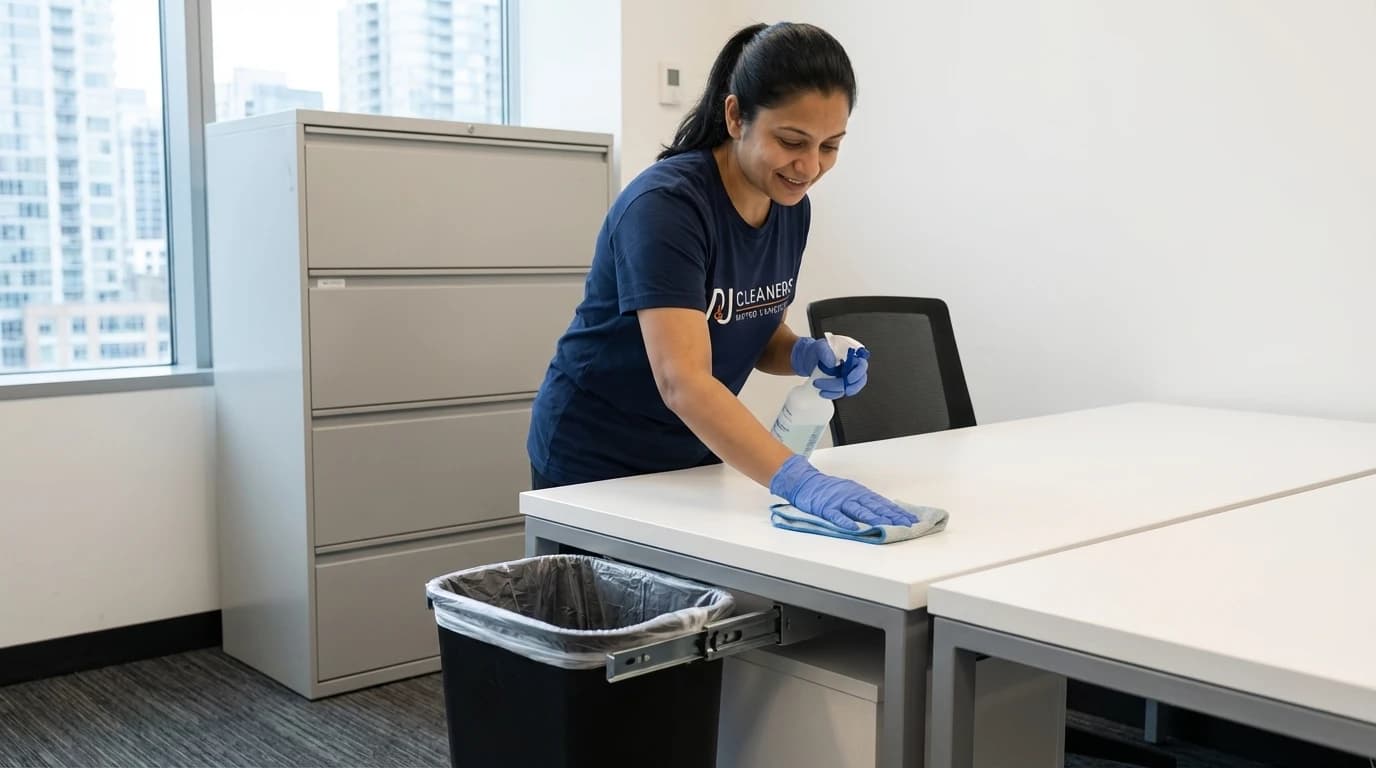
- Start by clearing your entire desk surface, placing items in categories: daily essentials, occasional tools, and items that don't belong in your office. This sorting process reveals how much unnecessary clutter accumulates over time. Studies from the National Association of Professional Organizers show that executives waste an average of six weeks per year searching for misplaced items on messy desks. A clean slate allows you to redesign your workspace with intention rather than habit.
- Keep only items you use daily within arm's reach: computer, phone, notebook, and one pen holder. Everything else should have a designated storage spot in drawers, shelves, or filing cabinets. This minimalist approach reduces visual noise that competes for your attention throughout the workday. Research from UCLA's Center on Everyday Lives of Families found that clutter directly correlates with elevated cortisol levels and decreased productivity. Your desk should support focus, not fragment it.
- Implement a daily five-minute reset routine before ending your workday. Return items to their designated spots, file loose papers, and wipe down surfaces. This habit prevents clutter from accumulating and ensures you start each morning with a clean workspace. Property managers in Vancouver's downtown office buildings report that tenants who maintain organized desks experience fewer stress-related complaints and higher satisfaction scores. The investment in daily maintenance pays dividends in mental clarity and work quality.
Quick Win
Use drawer dividers and desktop organizers to create specific homes for supplies, preventing the junk drawer phenomenon that sabotages organization efforts.
Dust Electronics and Equipment Thoroughly
Electronics attract dust that blocks ventilation, causes overheating, and shortens device lifespan while creating respiratory irritants in your breathing space.
- Use microfibre cloths specifically designed for electronics to dust monitors, computer towers, printers, and peripherals weekly. Regular dusting prevents buildup that forces cooling fans to work harder, increasing energy consumption and component wear. According to Statistics Canada's household energy use data, dust accumulation can reduce electronic efficiency by up to twelve percent. Turn off and unplug devices before cleaning to prevent static discharge damage and ensure safety during the process.
- Pay special attention to ventilation grilles on computers and monitors where dust accumulates most rapidly. Compressed air cans effectively dislodge dust from keyboard crevices, USB ports, and cooling vents without physical contact that might damage delicate components. The BC Lung Association notes that dust particles become airborne during work activities, contributing to indoor air quality problems and respiratory irritation. Removing dust at the source protects both your equipment investment and your respiratory health throughout long workdays.
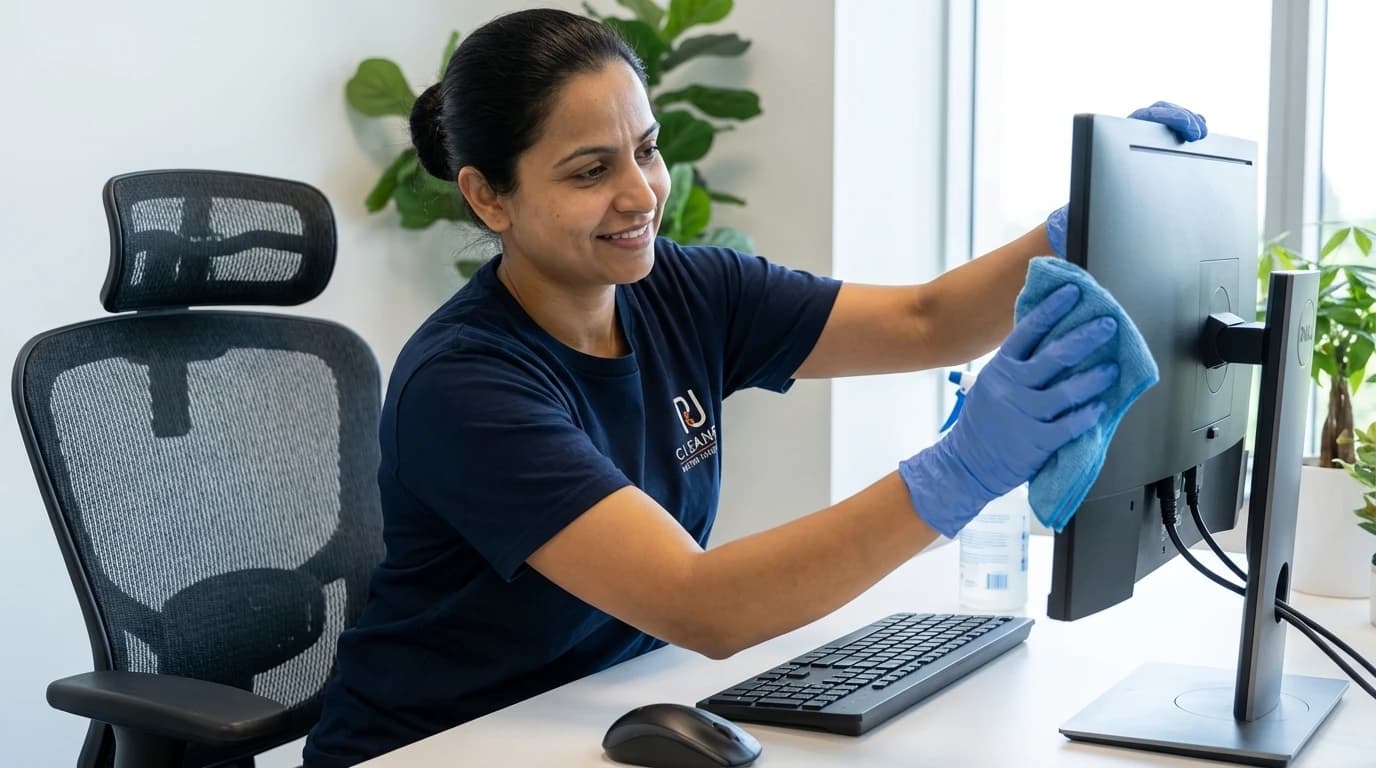
- Clean monitor screens with alcohol-free solutions designed for LCD and LED displays to avoid damaging anti-glare coatings. Spray cleaner onto the cloth rather than directly on screens to prevent liquid seepage into bezels and internal components. Tech repair specialists in Metro Vancouver report that improper cleaning causes more screen damage than accidental impacts. Gentle circular motions remove fingerprints and smudges without applying excessive pressure that could create dead pixels or permanent marks on expensive displays.
Quick Win
Schedule electronic dusting for Friday afternoons when you can leave devices powered off over the weekend, allowing any residual moisture to evaporate completely.
Sanitize Keyboard and Mouse Daily
These high-touch surfaces accumulate bacteria, viruses, and food particles that create health hazards and sticky, malfunctioning keys over time.
- Keyboards contain an average of 7,500 bacteria per swab according to research published by the University of Arizona's Department of Microbiology. This bacterial load exceeds that of most toilet seats, making keyboards a significant vector for illness transmission in home offices. Daily sanitization with isopropyl alcohol wipes (70% concentration) kills pathogens without damaging electronic components. Turn the keyboard upside down and gently shake to dislodge crumbs and debris before wiping each key individually with deliberate attention to spaces between keys.
- Computer mice require equal attention as they contact your palm continuously throughout the workday, transferring oils, bacteria, and environmental contaminants. Remove the mouse from its surface, wipe the entire exterior including the scroll wheel and side buttons with disinfectant wipes, then clean the sensor area with a dry cotton swab. WorkSafeBC guidelines recommend sanitizing shared office equipment between users, a practice equally valuable for home offices where family members might occasionally use your workspace. Clean mice track more accurately and feel more responsive under your hand.
- For mechanical keyboards, perform monthly deep cleaning by removing keycaps with a keycap puller tool and washing them in warm soapy water. While keycaps dry, use compressed air to blast debris from the switch housing and plate. This thorough approach prevents the sticky keys and inconsistent response that plague neglected keyboards. Vancouver tech repair shops report that regular cleaning extends keyboard lifespan by three to five years compared to neglected units that require replacement due to accumulated grime causing switch failure.
Wipe Down Monitor and Screen Surfaces
Fingerprints, dust, and airborne particles accumulate on screens, reducing clarity and causing eye strain during extended work sessions.
- Clean monitors reduce eye fatigue by improving contrast and eliminating the subtle visual noise created by dust and smudge layers. The Canadian Association of Optometrists reports that screen cleanliness significantly impacts visual comfort during prolonged computer use. Use distilled water or specialized screen cleaning solutions rather than household glass cleaners that contain ammonia or alcohol concentrations that damage anti-reflective coatings. Spray solution onto a microfibre cloth rather than directly on the screen to control moisture and prevent drips into bezels or stands.
- Wipe screens using gentle horizontal strokes from top to bottom, avoiding circular motions that can create swirl marks visible under certain lighting conditions. Apply minimal pressure, allowing the cloth's texture to lift particles rather than grinding them across the surface. For stubborn spots, dampen the cloth slightly more and hold it against the mark for several seconds to soften the residue before wiping. Professional cleaning services in Vancouver's tech sector use this technique to maintain thousands of office monitors without causing damage or warranty issues.
- Clean screens weekly as part of your regular office maintenance routine, or more frequently if you notice reduced clarity or increased eye strain. Position your monitor to minimize direct sunlight and overhead lighting reflections that highlight every speck of dust and fingerprint. The combination of proper positioning and regular cleaning creates optimal viewing conditions that support productivity and reduce the headaches and dry eyes associated with poor screen hygiene. Your vision is too valuable to compromise with a dirty display.
Quick Win
Keep a dedicated screen cleaning kit at your desk with microfibre cloths and solution so you can address smudges immediately rather than tolerating degraded visibility.
Vacuum and Mop Floor Areas Weekly
Floor cleaning removes tracked-in dirt, dust, and allergens that circulate through your breathing space and damage flooring over time.
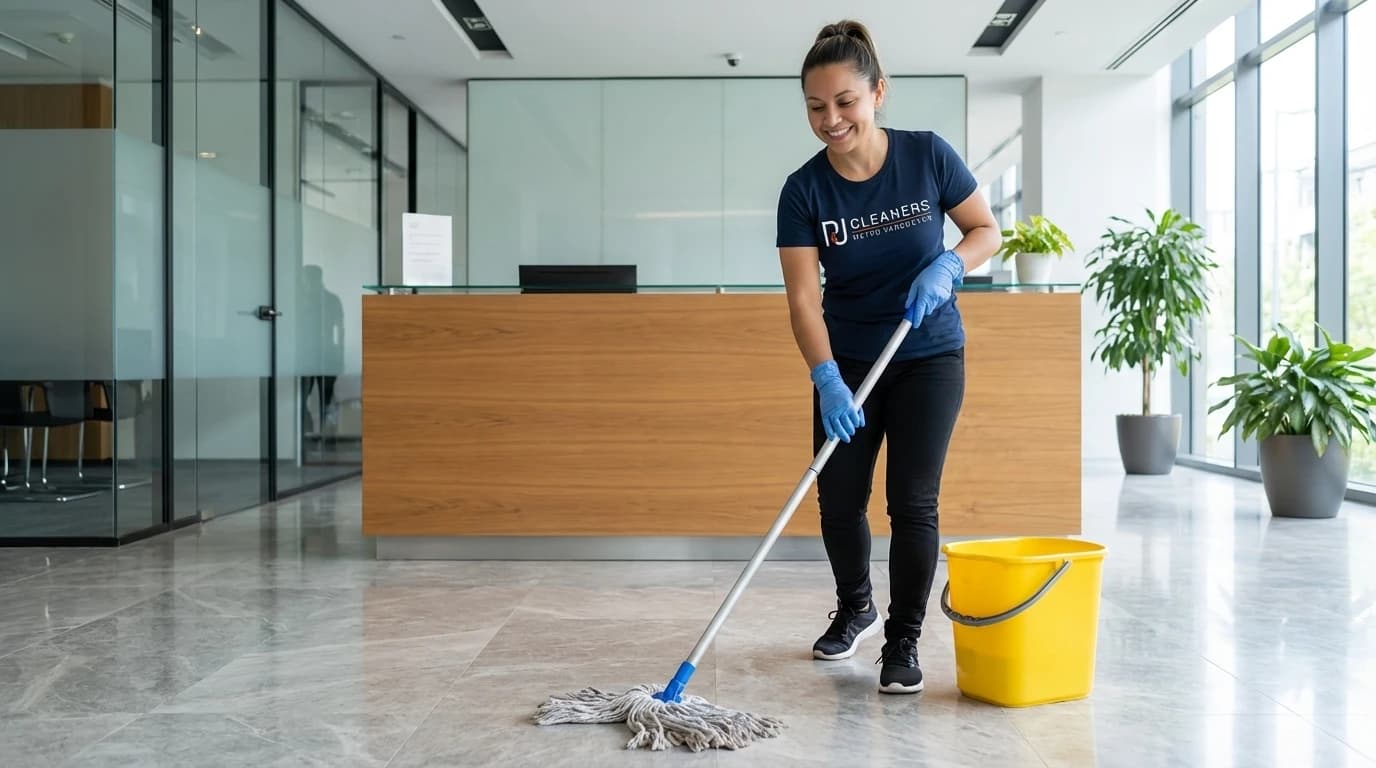
- Home office floors accumulate surprising amounts of debris despite limited foot traffic. Dust settles from air circulation, fibres shed from clothing and furniture, and outdoor contaminants track in on shoes and pet paws. Weekly vacuuming with a HEPA filter vacuum captures particles as small as 0.3 microns, including dust mites, pollen, and mould spores that trigger allergies and asthma. The BC Lung Association emphasizes that indoor air quality depends heavily on floor cleanliness since disturbed floor dust becomes airborne with every footstep and chair movement.
- Pay special attention to areas under desks where dust bunnies accumulate undisturbed and around chair wheels where carpet fibres compress and trap debris. Move furniture quarterly to vacuum neglected zones that become dust reservoirs. For hard floors, vacuum first to remove loose particles, then damp mop with pH-neutral cleaners appropriate for your flooring type. Vancouver's humid climate makes proper floor drying essential to prevent moisture damage and mould growth, especially in basement home offices with limited ventilation and natural light exposure.
- Chair mats protect flooring but require their own cleaning attention. Vacuum both sides monthly and wipe with appropriate cleaners to remove the oily residue that accumulates from chair wheels and foot traffic. Clean mats maintain their transparency and prevent the yellowing that makes offices look neglected. Property managers report that well-maintained flooring and mats significantly impact perceived professionalism during video calls where backgrounds are visible. Your floor contributes more to your workspace impression than most people realize until they see the difference proper maintenance makes.
Organize and Clean Cable Management
Tangled cables collect dust, create tripping hazards, and make equipment changes frustrating while projecting disorganization during video calls.
- Cable chaos is the silent productivity killer in home offices. Tangled cords make it difficult to identify which cable serves which device, complicating troubleshooting and equipment upgrades. Dust accumulates on cable surfaces and in the spaces between tangled wires, creating cleaning challenges and potential fire hazards according to electrical safety guidelines from WorkSafeBC. Invest time in proper cable management using velcro ties, cable sleeves, or under-desk cable trays that route wires out of sight while keeping them accessible for maintenance and modifications.
- Label both ends of each cable with a label maker or colour-coded tags identifying the connected devices. This simple step eliminates the guessing game when you need to disconnect equipment for cleaning, upgrades, or troubleshooting. Group cables by function: power cables together, data cables together, and peripheral cables together. Use cable clips to route wires along desk edges and legs, preventing the spaghetti pile that accumulates behind most desks. Vancouver tech consultants report that organized cable management reduces service call time by thirty to forty percent when troubleshooting connectivity issues.
- Clean cables quarterly by unplugging them and wiping with slightly damp microfibre cloths to remove dust and sticky residue. Check for damage like fraying, exposed wires, or loose connections that pose safety risks. Replace damaged cables immediately rather than risking electrical shorts or data corruption. Proper cable management also improves airflow around electronic equipment, enhancing cooling efficiency and extending component lifespan. The initial investment in cable organization tools pays for itself through reduced frustration, improved safety, and professional appearance during video conferences where your background is visible.
Quick Win
Photograph your cable setup before making changes so you can reference the correct configuration if connections become confused during cleaning or equipment swaps.
Disinfect High-Touch Surfaces and Door Handles
Light switches, door handles, and desk edges harbour pathogens that spread illness, especially important for home offices in shared living spaces.
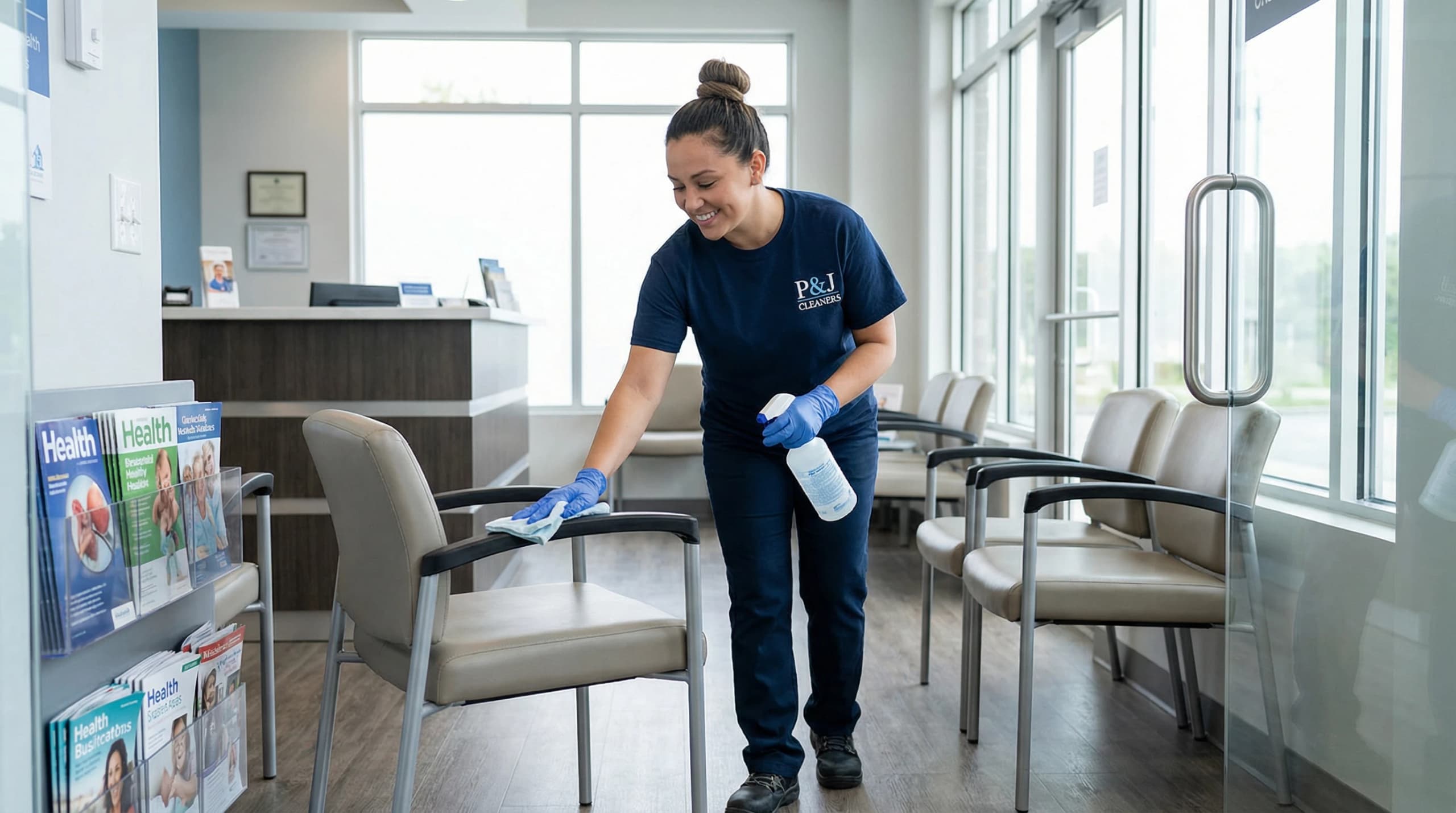
- High-touch surfaces in home offices require the same attention as those in commercial spaces, particularly when family members pass through or share the space occasionally. Door handles, light switches, desk edges, and chair armrests accumulate bacteria and viruses from every contact. The Public Health Agency of Canada recommends disinfecting high-touch surfaces daily in shared spaces and at least twice weekly in private offices. Use Health Canada approved disinfectants with appropriate contact time, typically thirty seconds to two minutes depending on the product, to ensure effective pathogen elimination.
- Don't overlook less obvious high-touch points like filing cabinet handles, desk drawer pulls, phone handsets, and the edges of notebooks and planners you handle repeatedly. These surfaces accumulate oils from your hands that attract and hold dust and bacteria. Disinfectant wipes offer convenience for quick daily cleaning, while spray disinfectants work better for larger surfaces like desktop edges and chair arms. Allow surfaces to air dry rather than wiping immediately to ensure the disinfectant achieves its full contact time and effectiveness against pathogens.
- Window sills and blinds in home offices also qualify as high-touch surfaces that require regular attention. Dust accumulates on horizontal surfaces and blinds, while window handles and sill edges collect oils and grime from opening and closing operations. Clean windows improve natural light penetration, enhancing mood and reducing reliance on artificial lighting. Studies from the Lighting Research Center show that natural light exposure during work hours improves sleep quality and overall wellbeing. Clean windows and sills contribute to both immediate cleanliness and long-term health benefits through better light quality.
Empty Trash and Recycling Bins Regularly
Full bins attract pests, create odours, and project neglect while making it difficult to dispose of waste during focused work sessions.
- Overflowing trash bins are more than unsightly; they're productivity obstacles that interrupt workflow when you need to dispose of waste but face a full container. Empty desk-side bins daily and larger office bins at least twice weekly to prevent overflow and odour development. Food waste, even small amounts like coffee grounds or snack wrappers, attracts fruit flies and other pests within days in Vancouver's moderate climate. The City of Vancouver's pest control guidelines emphasize that waste management is the first line of defence against indoor pest problems in residential and home office spaces.
- Maintain separate bins for trash, recycling, and compost if your municipality offers organic waste collection. This separation reduces landfill waste and simplifies disposal, but only if you actually empty bins before they overflow and contaminate each other. Line bins with appropriate bags to prevent leaks and odours from seeping into the containers themselves. Wash bins monthly with disinfectant to eliminate residue and odours that accumulate despite bag use. Clean bins are less likely to attract pests and more pleasant to work near during long office days.
- Position bins conveniently but not prominently in your office layout. Under-desk placement keeps them accessible without dominating visual space, while corner placement works for larger bins. Avoid placing bins near heating vents or sunny windows where warmth accelerates decomposition and odour development. Consider a small desktop bin for paper waste and a larger bin for general trash to minimize trips across the room during focused work sessions. Efficient waste management supports sustained concentration by eliminating the minor interruptions that fragment attention throughout the workday.
Quick Win
Keep extra bin liners at the bottom of each bin so you always have a replacement ready when emptying, eliminating the excuse to delay disposal.
Refresh Air Quality and Ventilation Systems
Stale air reduces cognitive function and increases fatigue while poor ventilation allows dust and allergens to accumulate in your breathing space.
- Indoor air quality directly impacts cognitive performance, with studies from Harvard's T.H. Chan School of Public Health showing that improved ventilation increases cognitive function scores by sixty-one percent. Home offices often suffer from inadequate air exchange, especially in basement or interior rooms without windows. Open windows for fifteen to thirty minutes daily when outdoor air quality permits, creating cross-ventilation by opening windows or doors on opposite sides of your space. This simple practice flushes out accumulated carbon dioxide, volatile organic compounds from office equipment, and airborne particles that degrade air quality.
- HVAC systems require regular filter changes every three months or according to manufacturer specifications to maintain effective air filtration. Dirty filters restrict airflow, forcing systems to work harder while circulating dust and allergens throughout your space. Check and clean return air vents monthly, removing dust buildup that blocks airflow and reduces system efficiency. Vancouver's mild but humid climate makes mould growth in HVAC systems a concern, particularly in poorly maintained units. Professional duct cleaning every three to five years removes accumulated debris and prevents mould colonization in ductwork.
- Consider adding air-purifying plants like snake plants, pothos, or spider plants that remove toxins while adding visual interest to your office. While plants alone cannot replace proper ventilation, they contribute to air quality improvement and provide psychological benefits through biophilic design principles. Avoid overwatering plants as excess moisture promotes mould growth in soil and surrounding areas. Use desk fans to improve air circulation in poorly ventilated spaces, positioning them to create gentle airflow without creating drafts that scatter papers or cause discomfort during extended work sessions.
Quick Win
Install a carbon dioxide monitor in your office to track air quality objectively; levels above 1,000 ppm indicate inadequate ventilation requiring immediate attention.
Fast Reset
Quick Daily Wins for Office Cleanliness
These rapid maintenance tasks take under five minutes each but compound into significant cleanliness improvements when performed consistently throughout your work week.
Services mentioned in this article
Ready for help?
4.9 · 850+ Google reviewsProfessional Home Office Cleaning in Metro Vancouver
Let P&J Cleaners handle your home office deep cleaning while you focus on work. Our residential cleaning service covers desks, floors, windows, and sanitization with eco-friendly products upon request. Same-day booking available across 39 Metro Vancouver locations.
778-720-2224Home Office Cleaning Questions
What is the best way to home office cleaning checklist for productivity?
The best home office cleaning checklist divides tasks by frequency: daily surface wipes and trash removal, weekly keyboard and monitor cleaning, and monthly deep cleans including baseboards and vents. According to WorkSafeBC guidelines, high-touch surfaces like keyboards harbour 400 times more bacteria than toilet seats and require daily sanitization. Start each morning with a quick desk wipe-down, dedicate 15 minutes weekly to equipment cleaning, and schedule monthly deep cleans to maintain optimal workspace hygiene and focus.
How often should you home office cleaning checklist?
Daily tasks include wiping your desk surface, emptying trash, and organizing papers. Weekly cleaning covers keyboards, monitors, phones, and vacuuming floors. Monthly deep cleaning addresses baseboards, light fixtures, windows, and air vents. The ISSA reports that offices cleaned weekly show 30% fewer sick days among workers. Vancouver's humid climate requires more frequent attention to prevent mould growth, especially in basement offices. Adjust your schedule based on usage intensity and whether you eat at your desk.
What products work best for office cleaning?
Microfiber cloths remove 99% of bacteria without chemicals and work perfectly for screens and surfaces. Use isopropyl alcohol wipes (70% concentration) for keyboards and mice, following CDC sanitization standards. Eco-friendly all-purpose cleaners with plant-based ingredients clean desks safely without harsh fumes. Compressed air removes debris from keyboard crevices effectively. For Vancouver offices, choose products that address moisture and prevent mildew. Always test cleaners on inconspicuous areas first to avoid damaging finishes or electronics.
Is professional help worth it for office cleaning?
Professional cleaning saves 3-4 hours monthly and ensures thorough sanitization that DIY methods miss. P&J Cleaners' residential service includes detailed desk area cleaning, floor care, and high-touch surface disinfection using commercial-grade products. For home offices used 40+ hours weekly, professional quarterly deep cleans maintain equipment longevity and air quality. Statistics Canada data shows remote workers spend 12% more time in home offices than traditional commuters, increasing wear and cleaning needs. Professional services cost $40-$60 per hour but deliver hospital-grade results.

Meet the Author
Pamela
Co-Founder
Pamela leads residential quality standards at P&J Cleaners, refining safe, detail-driven cleaning systems for Vancouver homes, condos, and move-out projects.
Keep Exploring